10 Google Apps Script Examples Jo Har Business Google Sheet Me Use Kar Sakta Hai
Business ke liye 10 kaam ke Google Apps Script examples: daily report email, alert, form se PDF, reminder, approval aur data sync, saath me limits bhi.
Zyadatar business pehle se Google Sheet pe chalte hai: order, stock, collection, attendance, lead. Jo use nahi hota wo hai Apps Script — Google Workspace me bana free scripting tool jisse sheet khud kaam karne lagti hai. Ye Google Apps Script examples wo das automation hai jo chhote aur medium Indian business me sabse jaldi fayda dete hai. Har ek simple steps me samjhaya hai, taaki code likhne se pehle hi aap tay kar sako ki aapke kaam ka hai ya nahi.
Apps Script automation kaise chalta hai, ek minute me
Apps Script aapki sheet ke andar hi hota hai (Extensions, phir Apps Script). Script ek chhota program hai jo sheet padhta-likhta hai aur Gmail, Drive, Docs, Calendar aur Forms se baat karta hai. Automation banata hai trigger: script timer pe chal sakta hai (roz subah 9 baje), Google Form submit hone pe, sheet edit hone pe, ya jab koi custom menu pe click kare. Neeche ka har example inhi triggers ka mel hai.
Business ke liye 10 Google Apps Script examples
1. Roz ka summary report email pe
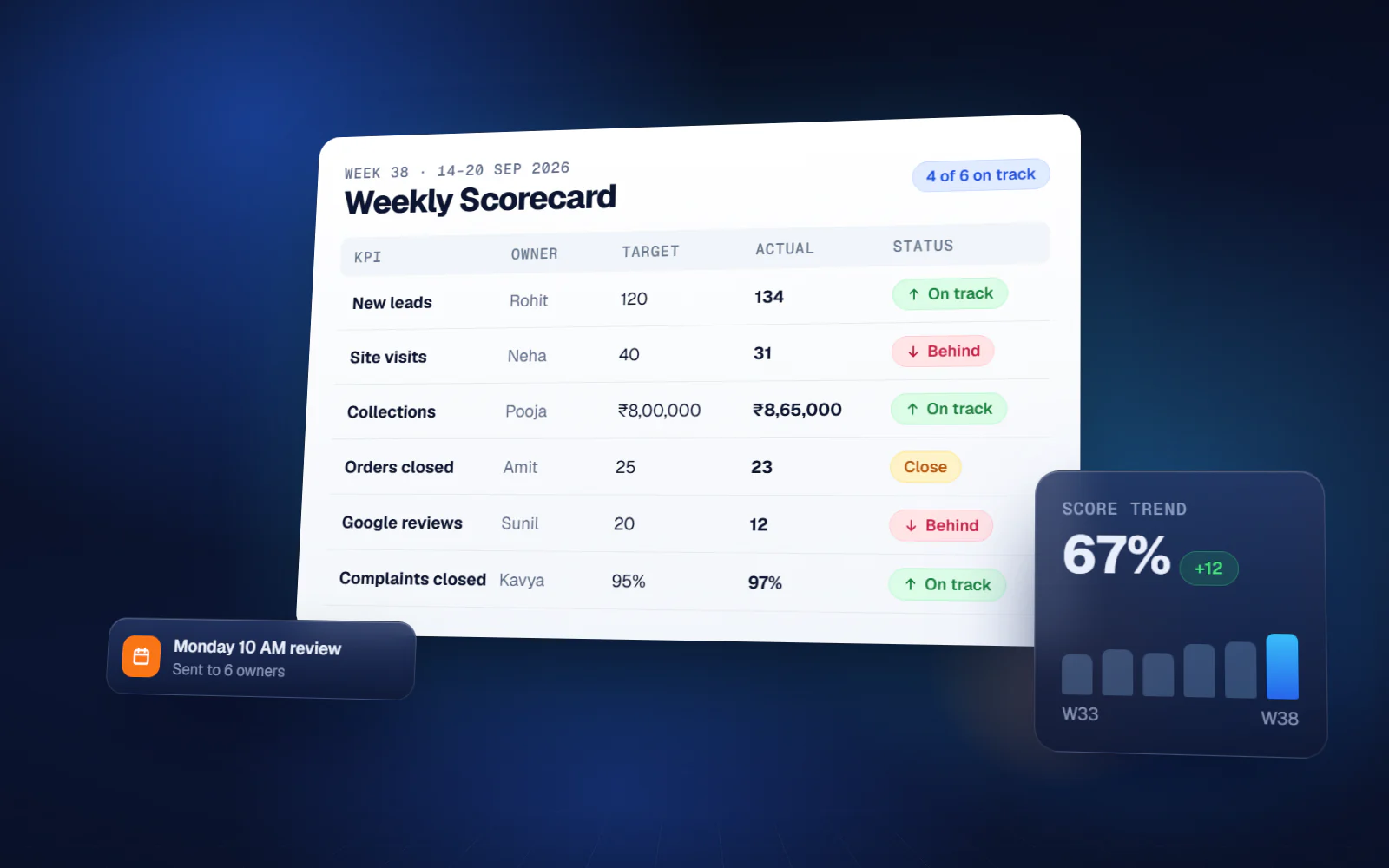
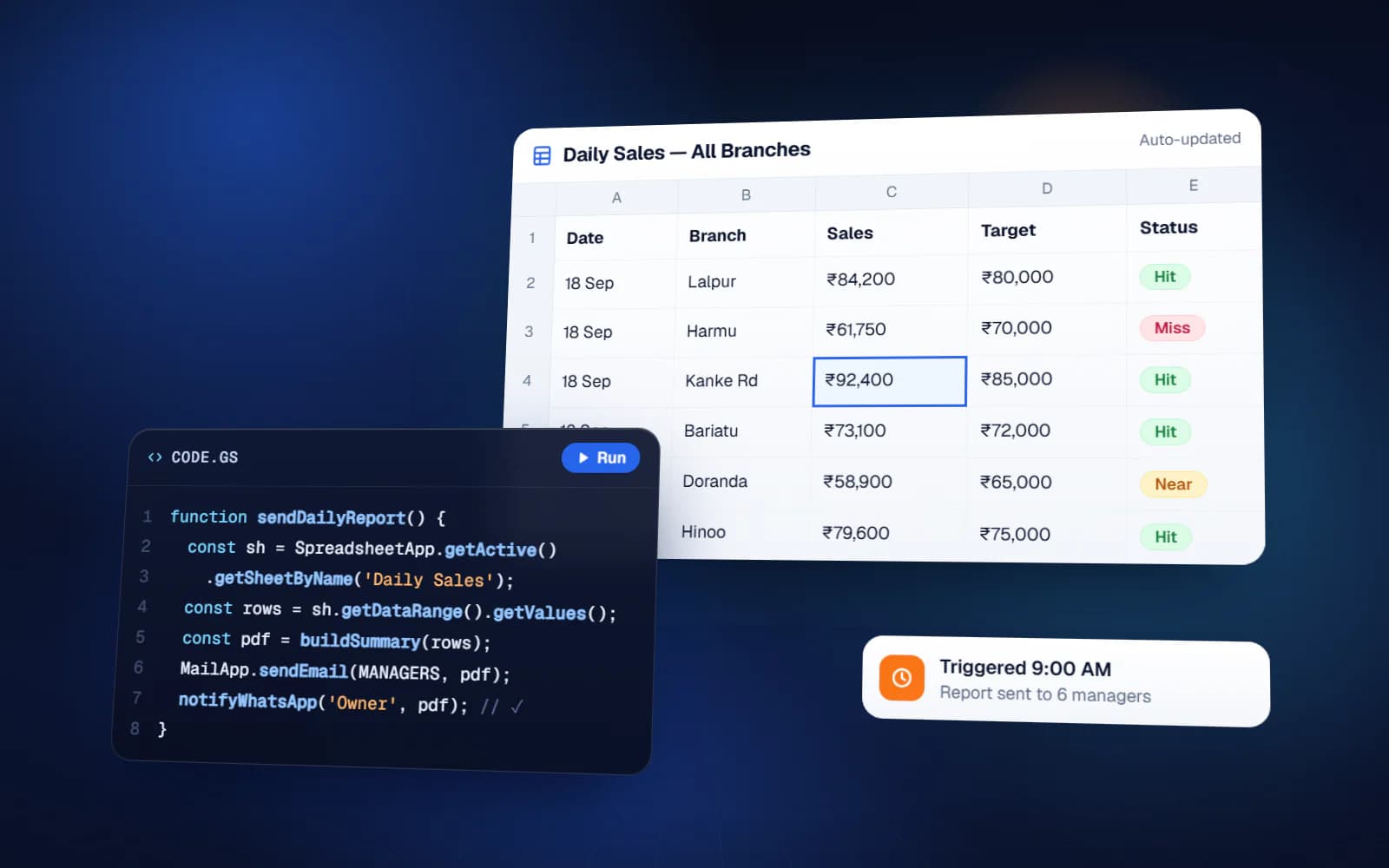
Har subah time-driven trigger kal ki rows (sales, dispatch, collection) padhta hai, total karta hai, aur owner aur managers ko chhota summary table email kar deta hai. Steps: zaroori numbers chuniye, alag tab pe formula se summary banaiye, aur script us tab ko fixed time pe email ya PDF bana ke bhej de. Owner ko phone karke 'kal kya hua' poochna nahi padta.
2. Kam stock ya overdue ka alert
Script har ghante ya har subah ek condition check karta hai — stock reorder level se neeche, 30 din se zyada ka baaki payment, ya deadline nikal chuka task — aur sirf match hone wali rows ka alert bhejta hai. Sabse zaroori design: alert jaane ke baad row mark ho jaaye, taaki har ghante wahi message na jaaye.
3. Google Form se sheet se PDF
Form submit hote hi (service request, order, inspection report) script Google Docs template ki copy banata hai, jawab bharta hai, Drive folder me PDF save karta hai aur customer ya team ko email kar deta hai. Wo banda jo roz form ke jawab Word me dobara type karta tha, uska kaam khatam.
4. Invoice, quotation ya certificate bulk me
Wahi idea, form ki jagah rows se: rows select kijiye ya custom menu pe click, aur script template se har row ka ek PDF banata hai, sahi naam deta hai aur mahine ya customer ke folder me rakhta hai. Quotation, receipt, salary slip ya training certificate ke liye kaam ka.
5. Payment aur renewal reminder
Roz ka trigger un customers ko dhoondhta hai jinki due date aaj hai, teen din me hai, ya nikal chuki hai, aur amount aur date bhar ke tameez wala reminder email bhejta hai. Accounts wala chhutti pe ho tab bhi reminder time pe jaata hai.
6. WhatsApp notification
Apps Script internet pe bahar ki services call kar sakta hai, isliye WhatsApp Business API provider ke through WhatsApp bhej sakta hai: order row 'dispatched' mark hote hi delivery update, ya appointment se ek din pehle reminder. Business ki taraf se shuru hone wale WhatsApp message ke liye Meta-approved template chahiye aur provider per message charge leta hai, to template pehle plan kijiye.
7. Approval flow
Purchase ya leave request sheet me aati hai, script approver ko details ke saath email karta hai, aur approver ka faisla timestamp ke saath row me wapas likh jaata hai. Request karne wale ko apne aap pata chal jaata hai. Alag approval software khareede bina saaf record ban jaata hai.
8. Task delegation aur follow-up
Sheet me task owner aur deadline ke saath assign hote hai. Har subah script har bande ko uski pending list email karta hai, aur manager ko har bande ke overdue task. Ye delegation system ka sabse simple roop hai, aur kai team saalon tak ise Sheets me chalati hai.
9. Sheets aur systems ke beech data sync
Branch ki sheets raat ko ek master sheet me jud jaati hai, ya script kisi dusre tool ke API (CRM, online store, payment gateway) se data kheechta hai aur update wapas bhejta hai. Systems ke beech copy-paste aur uski galtiyan dono khatam.
10. Custom menu aur safai tool
Custom menu sheet me hi button jod deta hai jaise 'Is mahine ka report banao', 'Poore order archive karo' ya 'Duplicate check karo'. Jo staff kabhi script editor nahi kholega, wo ek click me automation chala leta hai, aur purani rows regular archive hone se sheet tez rehti hai.
Kaunse example se shuru karein
| Aapki problem… | Shuru kijiye |
|---|---|
| Owner baar-baar numbers ke liye call karta hai | 1. Roz ka summary report |
| Stock khatam ya collection chhoot jaata hai | 2. Alert aur 5. Reminder |
| Staff form ko document me dobara type karta hai | 3. Form se PDF |
| Darjano PDF haath se banana | 4. Bulk generation |
| Customer poochta hai 'mera order kahan hai' | 6. WhatsApp notification |
| Approval WhatsApp chat me kho jaata hai | 7. Approval flow |
| Meeting ke baad task bhool jaate hai | 8. Delegation aur follow-up |
Bharosa karne se pehle limits jaan lijiye
Google Apps Script Google account ke saath free hai, par Google ke developer documentation me likhi daily quota ke andar chalta hai. Likhte waqt main limits ye hai:
| Quota | Consumer (gmail.com) | Google Workspace |
|---|---|---|
| Roz email recipients | 100 | 1,500 |
| Roz trigger ka total runtime | 90 minute | 6 ghante |
| Ek execution ka runtime | 6 minute | 6 minute |
| Roz URL fetch calls | 20,000 | 1,00,000 |
Ek Google Sheet me 1 crore (10 million) cells tak aa sakte hai. Zyadatar chhote business ke liye ye limits kaafi hai. Roz sainkdon customers ko email bhejna hai to Workspace account ya proper email service lijiye; koi kaam 6 minute se lamba hai to use batch me todna padega.
Sheet kab kaafi nahi rehti
Automated sheet aksar sabse tez aur sasta jawab hai, par hamesha ke liye nahi. Proper software pe tab jaiye jab ek saath bahut log edit karein, data lakhon rows me ho, har user ki strict permission chahiye, ya customer ko apna login chahiye. Tab tak jo sheet aap already use karte ho, usi ko automate karna aksar sahi kadam hai.
Yuktantra pure India me remote Google Apps Script developer ki tarah kaam karta hai: scheduled report, email aur WhatsApp alert, approval flow, custom menu aur API integration, jo spreadsheet ko chalta-firta business system bana dete hai. Aap 'sheet ya software' line ke kis taraf ho, wo bhi imaandari se bata dete hai.
FAQ
Google Apps Script Google Sheet me kya kar sakta hai?
Data padh-likh sakta hai, email bhej sakta hai, document aur PDF bana sakta hai, calendar update kar sakta hai, bahar ke API call kar sakta hai, aur schedule pe ya form submit pe chal sakta hai. Asal me: report, alert, reminder, approval, PDF aur data sync.
Kya Google Apps Script free hai?
Haan, Google account ke saath free hai, Google ki daily quota ke andar. Jaise consumer account roz 100 recipients ko email kar sakta hai aur Workspace account 1,500 ko.
Kya Google Sheet se automatic WhatsApp message ja sakta hai?
Haan, Apps Script se WhatsApp Business API provider ko call karke. Business ki taraf se shuru message ke liye Meta-approved template chahiye, aur provider per message charge karta hai.
Kya Apps Script PDF attachment ke saath email bhej sakta hai?
Haan. Aam tarika: sheet ke data se Google Docs template bharo, PDF banao, Drive me save karo aur attachment ke saath email karo.
Apps Script use karne ke liye coding aani chahiye?
Script likhne ke liye thodi JavaScript kaam aati hai. Use karne ke liye nahi: achha bana automation trigger ya custom menu button se chalta hai, staff ko code dikhta hi nahi.