10 Google Apps Script Examples Every Business Can Use in Google Sheets
10 practical Google Apps Script examples for business: daily report emails, alerts, form to PDF, reminders, approvals and syncing, plus the limits to know.
Most businesses already run on Google Sheets: orders, stock, collections, attendance, leads. What they don't use is Apps Script, the free scripting tool built into Google Workspace that lets a sheet do work on its own. These Google Apps Script examples are ten automations that tend to pay off fastest in small and mid-sized Indian businesses. Each one is explained in plain steps, so you can judge whether it fits before anyone writes code.
How Apps Script automation works, in one minute
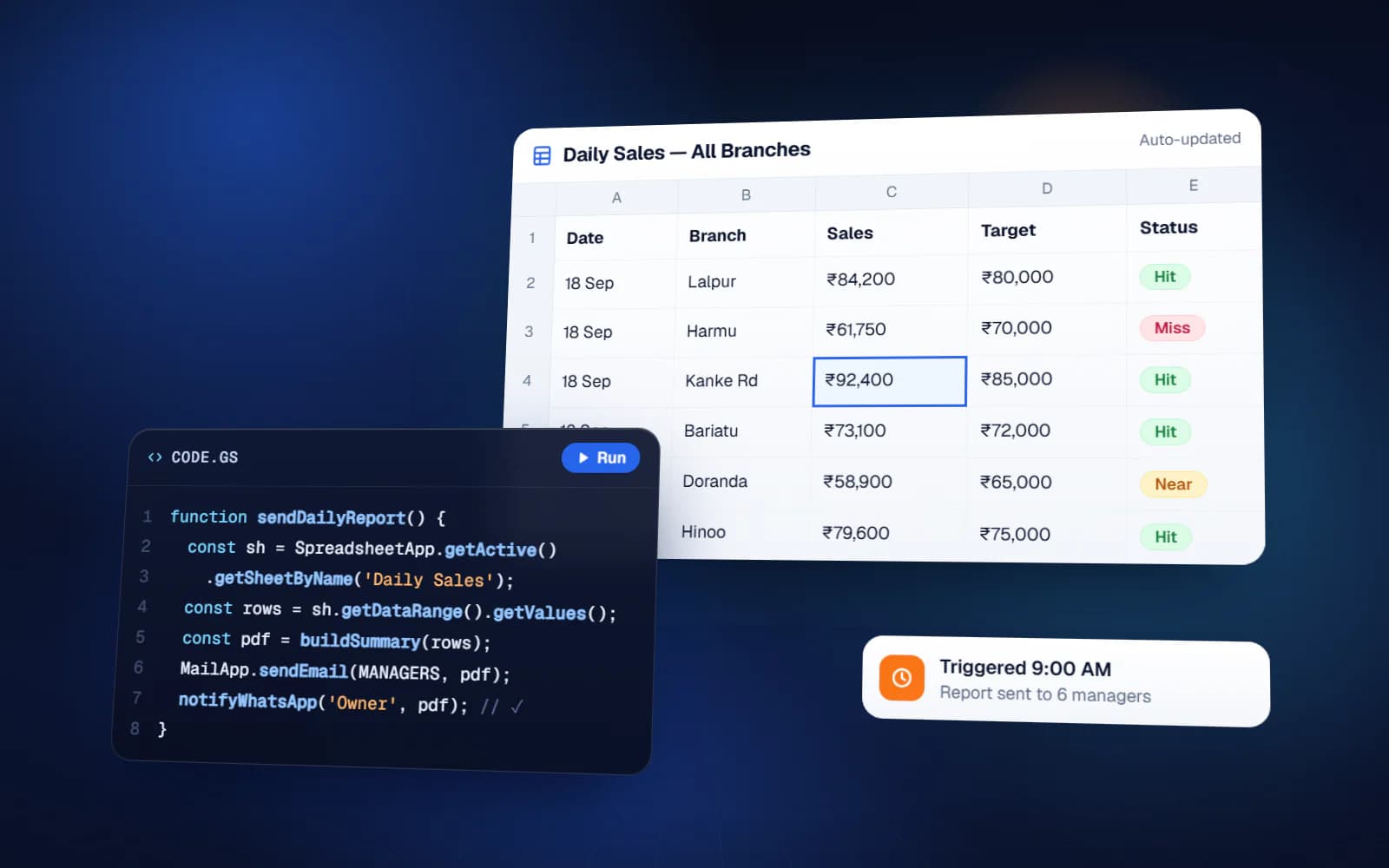
Apps Script lives inside your sheet (Extensions, then Apps Script). A script is a small program that reads and writes your sheet and talks to Gmail, Drive, Docs, Calendar and Forms. What makes it automation is the trigger: a script can run on a timer (every morning at 9), when a Google Form is submitted, when someone edits the sheet, or when a user clicks a custom menu. Everything below is some mix of those triggers.
10 Google Apps Script examples for business
1. Daily summary report by email
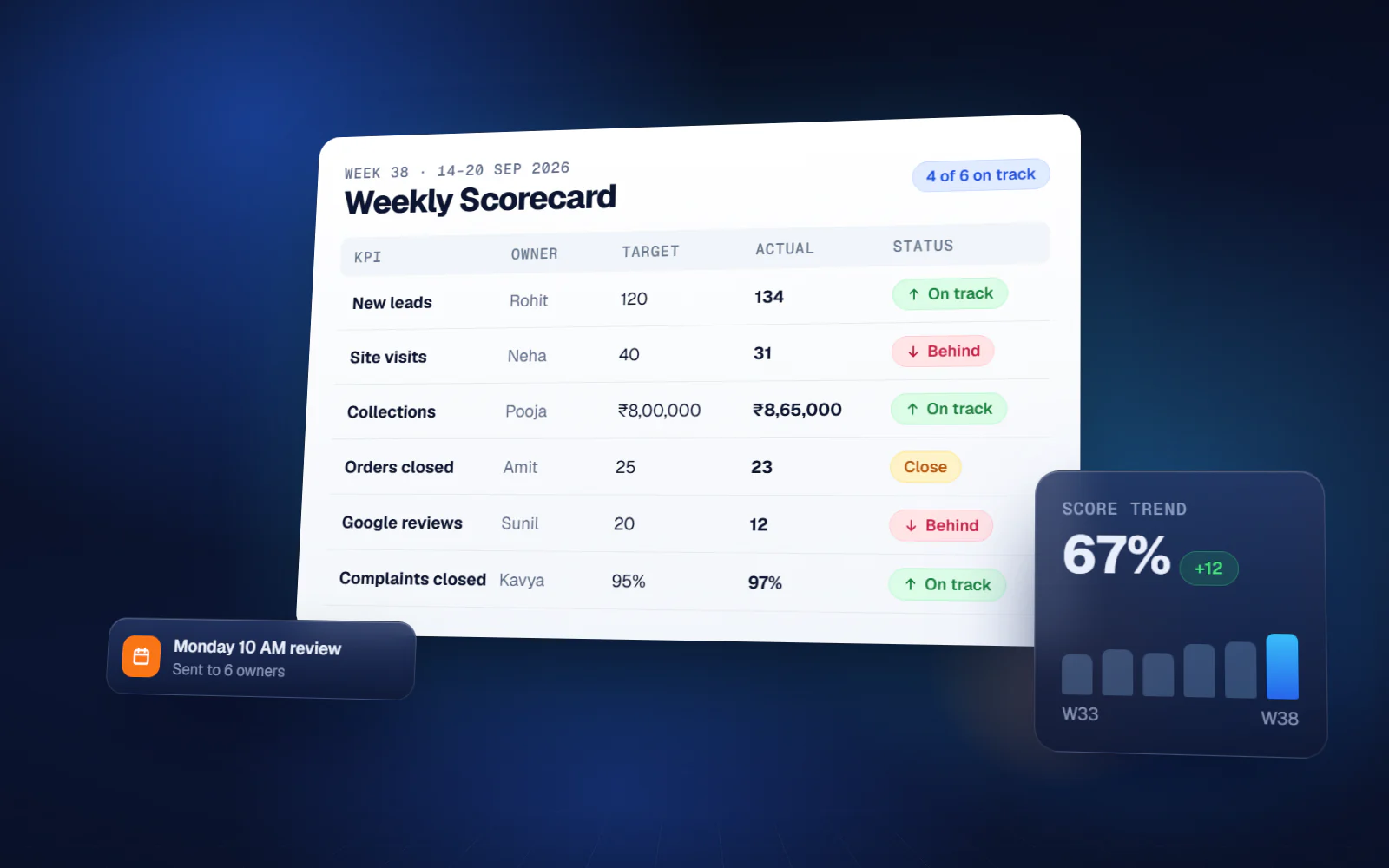
Every morning, a time-driven trigger reads yesterday's rows (sales, dispatches, collections), totals them, and emails a short summary table to the owner and managers. Steps: pick the numbers that matter, build the summary on a separate tab with formulas, and let the script send that tab as an email or PDF at a fixed time. Owners stop asking 'what happened yesterday' on the phone.
2. Low-stock or overdue alerts
The script checks a condition every hour or every morning, such as stock below reorder level, a payment overdue by more than 30 days, or a task past its deadline, and sends an alert only for the rows that match. The key design choice is to mark each row once alerted, so people don't get the same message every hour.
3. Google Form to sheet to PDF
A form submission (a service request, an order, an inspection report) triggers a script that copies a Google Docs template, fills in the answers, saves it as a PDF in a Drive folder and emails it to the customer or the team. This replaces the person who retypes form answers into Word every day.
4. Invoice, quotation or certificate generation in bulk
Same idea, from rows instead of forms: select rows or click a custom menu item, and the script creates one PDF per row from a template, names each file properly and stores them in folders by month or by customer. Useful for quotations, receipts, salary slips or training certificates.
5. Payment and renewal reminders
A daily trigger finds customers whose due date is today, in three days, or already past, and sends a polite reminder by email with the amount and due date filled in. Reminders go out consistently even when the accounts person is on leave.
6. WhatsApp notifications
Apps Script can call outside services over the internet, so it can send WhatsApp messages through a WhatsApp Business API provider: a delivery update when an order row is marked dispatched, or a reminder the day before an appointment. Business-initiated WhatsApp messages need Meta-approved templates, and the provider charges per message, so plan the templates first.
7. Approval flows
A purchase request or leave request is added to a sheet, the script emails the approver with the details, and the approver's decision is written back to the row with a timestamp. The requester is notified automatically. It gives you a clean audit trail without buying separate approval software.
8. Task delegation and follow-up
Tasks are assigned in a sheet with owner and deadline. Each morning the script emails every person their own pending list, and sends the manager a list of overdue tasks by person. This is the simplest form of a delegation system, and many teams run it in Sheets for years.
9. Syncing data between sheets and systems
Branch sheets consolidate into one master sheet every night, or the script pulls data from another tool's API (a CRM, an e-commerce store, a payment gateway) and pushes updates back. This removes copy-paste between systems and the mistakes that come with it.
10. Custom menus and cleanup tools
A custom menu adds buttons like 'Generate this month's report', 'Archive completed orders' or 'Check duplicates' to the sheet itself. Staff who would never open a script editor can run the automation with one click, and the sheet stays fast because old rows are archived regularly.
Which example to start with
| If your pain is… | Start with |
|---|---|
| Owner keeps calling for numbers | 1. Daily summary report |
| Stock-outs or missed collections | 2. Alerts and 5. Reminders |
| Staff retyping forms into documents | 3. Form to PDF |
| Making dozens of PDFs by hand | 4. Bulk generation |
| Customers asking 'where is my order' | 6. WhatsApp notifications |
| Approvals lost in WhatsApp chats | 7. Approval flow |
| Tasks forgotten after meetings | 8. Delegation and follow-up |
Limits you should know before relying on it
Google Apps Script is free with a Google account, but it runs within daily quotas published in Google's developer documentation. At the time of writing, the key ones are:
| Quota | Consumer (gmail.com) | Google Workspace |
|---|---|---|
| Email recipients per day | 100 | 1,500 |
| Total trigger runtime per day | 90 minutes | 6 hours |
| Runtime per single execution | 6 minutes | 6 minutes |
| URL fetch calls per day | 20,000 | 100,000 |
A Google Sheet itself holds up to 10 million cells. For most small businesses these limits are generous. If you email hundreds of customers daily, use a Workspace account or a proper email service; if a job takes longer than six minutes, it has to be split into batches.
When a sheet stops being enough
Automated sheets are often the fastest and cheapest answer, but not forever. Move to proper software when many people edit at the same time, data runs into hundreds of thousands of rows, you need strict permissions per user, or customers need their own login. Until then, automating the sheet you already use is usually the right move.
Yuktantra works as a Google Apps Script developer for businesses across India, remotely: scheduled reports, email and WhatsApp alerts, approval flows, custom menus and API integrations that turn spreadsheets into working business systems. We will also tell you honestly which side of the 'sheet or software' line you are on.
FAQ
What can Google Apps Script do in Google Sheets?
It can read and write data, send emails, create documents and PDFs, update calendars, call outside APIs and run on a schedule or when a form is submitted. In practice: reports, alerts, reminders, approvals, PDF generation and data syncing.
Is Google Apps Script free?
Yes, it is free with a Google account, within Google's daily quotas. For example, consumer accounts can email 100 recipients a day and Workspace accounts 1,500.
Can Google Sheets send WhatsApp messages automatically?
Yes, through Apps Script calling a WhatsApp Business API provider. Messages the business starts need Meta-approved templates, and the provider charges per message.
Can Google Apps Script send email with a PDF attachment?
Yes. A common pattern fills a Google Docs template with sheet data, converts it to PDF, saves it in Drive and emails it as an attachment.
Do I need to know coding to use Apps Script?
To write scripts, some JavaScript helps. To use them, no: a well-built automation runs on triggers or a custom menu button, so staff never see code.