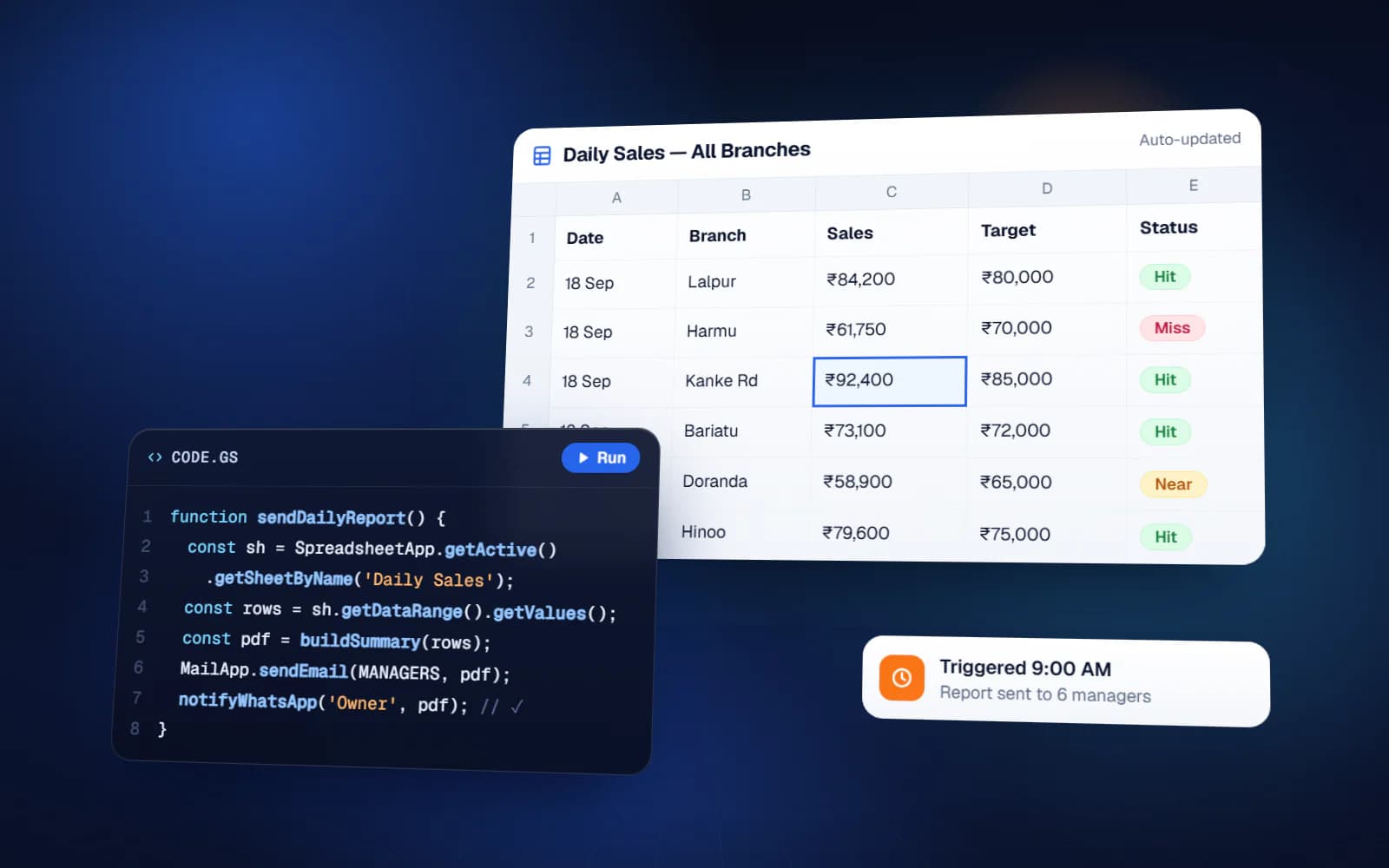
Weekly KPI Scorecard for Small Business: Template and How to Run the Meeting
Weekly KPI scorecard for small business: choose 5–15 metrics, give each an owner and target, mark red or green, and run a short weekly review meeting.
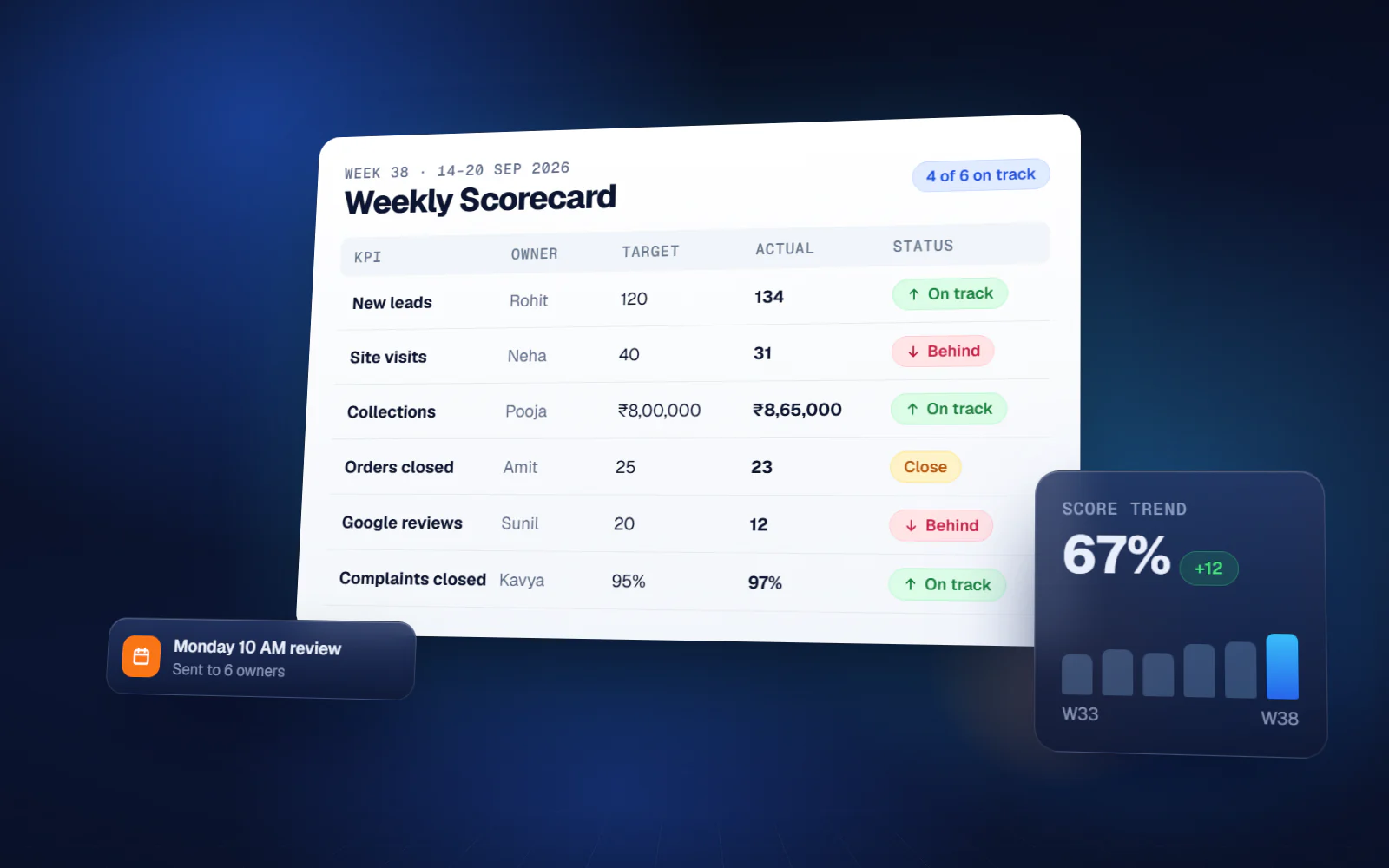
Most small business owners find out how the month went after it is over — when the accountant closes the books or the bank balance looks thin. A weekly KPI scorecard moves that moment forward by three weeks. It is a single page with a short list of numbers, each with an owner and a weekly target, filled in every week and reviewed in a short meeting. When a number goes red, you deal with it that week, not at month-end. This guide covers how to choose the metrics, set owners and targets, build the template, and run the weekly review so it actually changes decisions.
What a weekly KPI scorecard is (and is not)
A scorecard is a fixed weekly snapshot of the few numbers you have committed to, compared against target. It is not a dashboard. A dashboard shows everything live and is good for looking around. A scorecard shows the same short list every week so the trend is obvious and each number has someone accountable for it.
It is also not a monthly MIS report. Monthly reports tell you what happened. Weekly numbers are early enough to act on.
How many metrics: 5 to 15
Fewer, sharper numbers work better than a long report. The widely used EOS (Entrepreneurial Operating System) approach recommends a scorecard of 5 to 15 weekly measurables. Below five, you miss parts of the business. Above fifteen, the meeting turns into a reading exercise and nobody remembers last week's numbers.
Pick leading numbers, not only results
Revenue and profit are results; by the time they move, it is too late to change them this month. The most useful scorecard numbers are activities and inputs that predict results — enquiries received, quotations sent, follow-up calls made, orders dispatched on time. If those are on track, the results usually follow.
Example scorecard metrics by function
Choose one to three per function. These are examples for a typical trading, manufacturing or services SME; replace them with what drives your business.
| Function | Example weekly metrics |
|---|---|
| Sales | New enquiries, quotations sent, conversions, value of orders booked |
| Marketing | Leads by source, cost per lead, Google reviews received |
| Operations | Orders dispatched, on-time dispatch percentage, pending orders over 7 days |
| Quality / Service | Complaints received, complaints closed within TAT, rejections |
| Finance | Collections received, receivables overdue over 60 days, cash in bank |
| People | Attendance percentage, open positions, checklist completion percentage |
Give every number an owner and a target
A number without an owner is trivia. Each metric needs one person who is responsible for it every week — not for typing it in, but for explaining it and fixing it when it goes off track.
- Owner — one person, usually the head of the function that drives the number
- Target — the weekly goal, set from recent actuals, not from hope
- Direction — whether higher is better (collections) or lower is better (complaints)
- Rule for red — below target, or outside a range, decided in advance
- Source — where the number comes from, so it is the same every week
Red and green, nothing in between
Keep the status binary: on track or off track. Amber invites debate about how yellow something is. If a number is off track, it goes red, and that is the only thing the meeting needs to know at that point.
Weekly scorecard template
You can build the template in Google Sheets in an afternoon:
- Columns A to E: Metric, Owner, Target, Direction (higher or lower is better), Source
- Then one column per week — thirteen columns cover a quarter
- Conditional formatting: green if the week's value meets target, red if it does not
- A small sparkline or trend column so the direction over the last few weeks is visible
- A notes tab where the reason and action for each red number is written down
Fix a deadline for entering the numbers — for example, every Saturday by 6 pm for the week ending that day — so the scorecard is complete before the meeting.
How to run the weekly scorecard meeting
The scorecard is only as useful as the meeting that reviews it. A simple ritual that works for small teams:
- Same day, same time, every week — for example Monday 10 am — and it does not get cancelled when things are busy
- Go down the list. Each owner says only 'on track' or 'off track' for their number — no explanations yet
- Every off-track number is written on an issues list
- Take the issues in order of importance and, for each one, agree the cause, the action, the owner and the date
- End by reading back the actions; they are checked at the start of next week's meeting
Separating the report from the discussion is what keeps the meeting short. EOS teams use the same discipline in their weekly meeting: the scorecard review is only a few minutes, and anything off track drops to the issues list to be solved later in the meeting.
Common mistakes with weekly scorecards
| Mistake | What happens | Fix |
|---|---|---|
| Too many metrics | Meeting runs long, nobody tracks trends | Cut to the 5–15 that predict results |
| Only result metrics | You learn about problems too late | Add leading activity numbers |
| Targets set by hope | Everything is red, the team stops caring | Set targets from recent actuals |
| Numbers typed from memory | Scorecard loses credibility | Pull from the source sheet or system |
| Discussion during the report | Two numbers take the whole hour | Report first, solve issues after |
| No follow-through on actions | Same numbers go red every week | Review last week's actions first |
Where the numbers come from
The hardest part of a scorecard is not the template. It is collecting the numbers every week without someone spending Saturday afternoon on it. Many of them already exist somewhere: sales enquiries in a CRM or sheet, dispatches in an order sheet or FMS, collections in accounting, checklist completion in a checklist system. The scorecard should read from those sources, not ask people to retype them.
Yuktantra's weekly scorecard does this — weekly metric tracking with target versus actual, trend visualisation, team accountability and meeting-ready reports. Where your data already sits in a sheet or system, it is pulled in automatically; anything not recorded anywhere yet can be entered weekly in under a minute. The scope is written first and the quote is fixed for that scope.
A weekly KPI scorecard is simple on purpose. A short list of numbers, an owner for each, a clear red or green, and a meeting that turns red into action. Run it for a quarter and you will know your business by its numbers instead of by feel.
FAQ
What is a KPI scorecard?
It is a short list of key numbers, each with an owner and a target, tracked at a fixed interval — usually weekly — and marked on track or off track so the team can act on anything that slips.
What should go on a weekly scorecard?
Five to fifteen numbers that predict how the month will go, such as enquiries, conversions, dispatches, complaints and collections. Favour leading activity numbers over results that only move at month-end.
What is the difference between a scorecard and a dashboard?
A dashboard shows many numbers live for exploring. A scorecard is a fixed weekly snapshot of the few numbers you committed to, compared against target, with an owner accountable for each.
How do you run a weekly scorecard meeting?
Hold it at the same time every week. Each owner reports on track or off track with no discussion, off-track items go on an issues list, and each issue gets a cause, an action, an owner and a date.
Can I make a weekly KPI scorecard in Google Sheets?
Yes. List metric, owner, target and direction, add one column per week, and use conditional formatting for red and green. Pulling numbers from source sheets automatically saves the weekly data entry.