School ERP Features: A 60-Point Checklist to Take to Every Demo
School ERP features checklist: 60 questions to ask a vendor by department — admissions, fees, attendance, exams, transport, payroll, data and support.
Every vendor's list of school ERP features looks the same: admissions, fees, attendance, exams, all ticked. The difference is in the details a brochure never shows — whether reminders stop when a parent pays, whether a marksheet matches your board, whether you can take your data out. This checklist turns the usual school management software features list into 60 questions to ask in a demo, grouped by department.
How to use this checklist
- Ask the vendor to show each item on screen, not describe it. 'Yes, we have that' is not an answer.
- Mark each point Must-have, Nice-to-have or Not needed before the demo, so you are not sold features you will never use.
- Bring one class list and one month of your own fee records. Features that work on a demo school sometimes fail on real data.
- Take the person who will use each module — the accountant for fees, a class teacher for attendance.
Admissions and student records
- 1. Can we track enquiries and follow-ups before a child is admitted, and see conversion by source?
- 2. Does the admission form check seat availability for the class?
- 3. Can we import our existing students from Excel, and are bad rows shown before anything is saved?
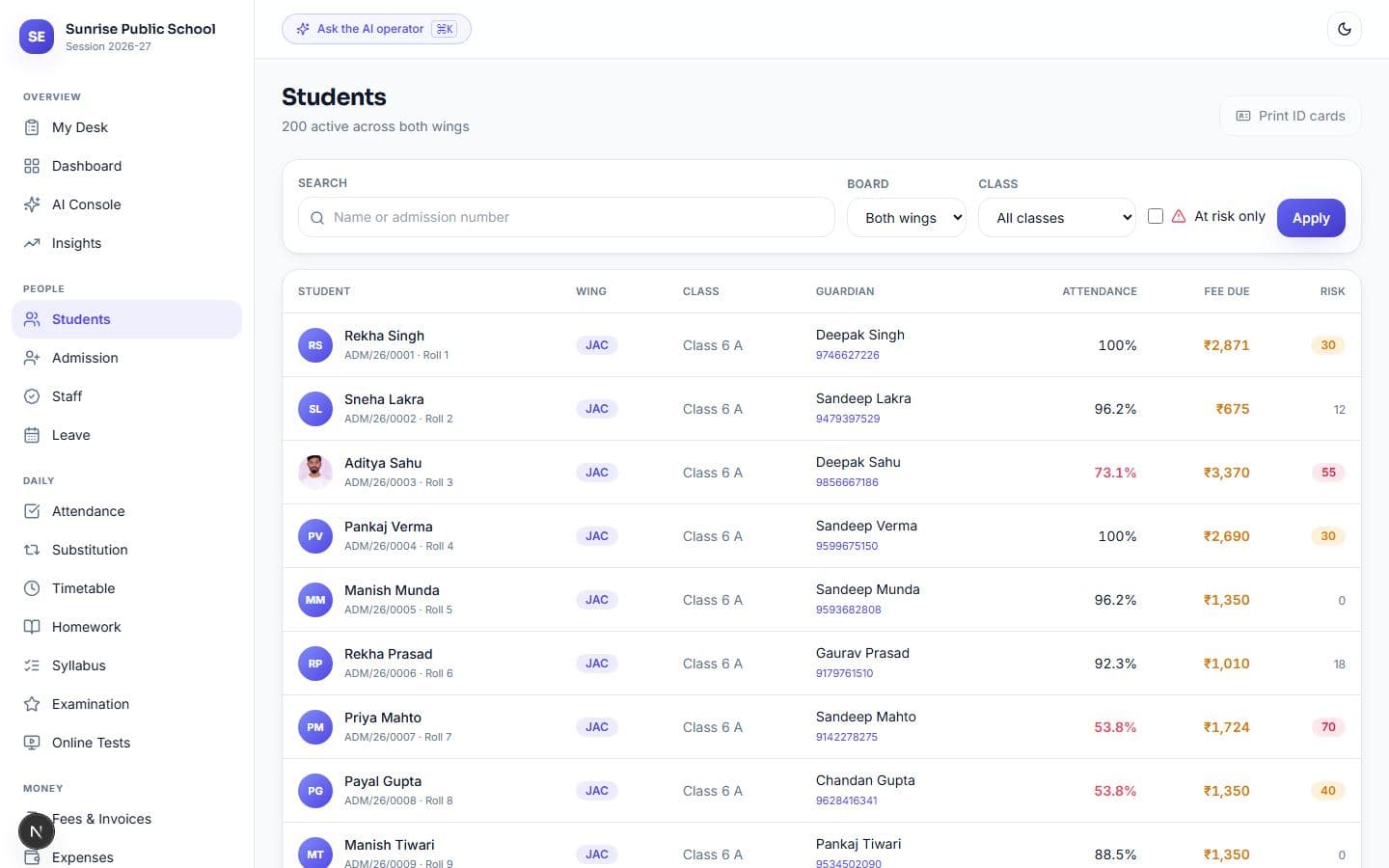
- 4. Does each student have one profile with guardians, contacts, documents, attendance, fees and results?
- 5. Can we issue a transfer certificate and promote a whole class to the next session in bulk?
Fees and accounts
- 6. Can we set a different fee structure per class, with instalments, concessions and late fines?
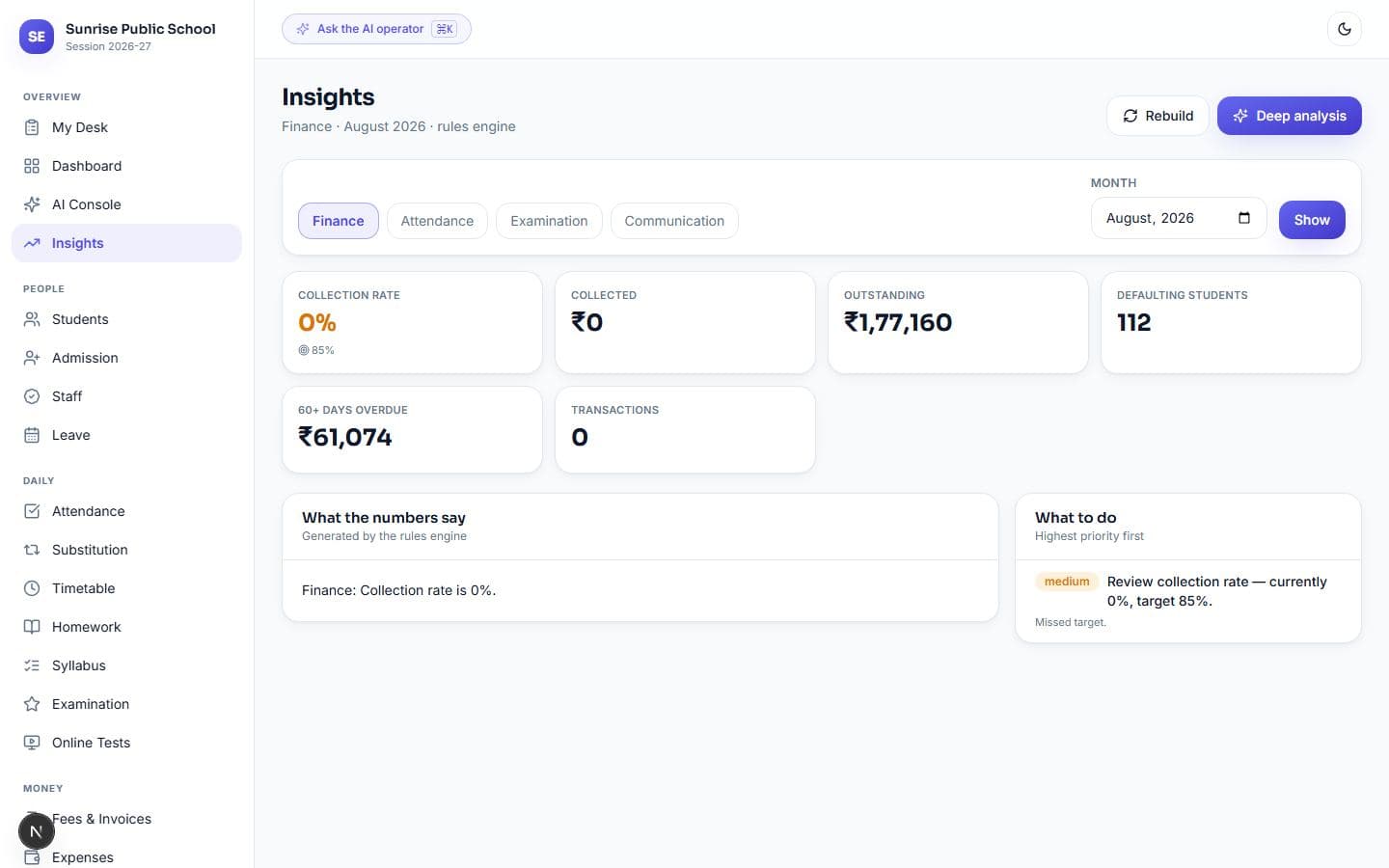
- 7. Is outstanding fee shown by age — 0–30, 31–60, 60+ days — so we know whom to call first?
- 8. Do reminders go out on a schedule by themselves, and stop the moment a parent pays?
- 9. Can parents pay online into the school's own gateway account, with the receipt issued automatically?
- 10. Can a receipt be edited silently, or does every reversal need permission and leave a log?
- 11. Is there a day book and ledger an accountant or trustee can read?
Attendance
- 12. How long does it take a teacher to mark one section — and can we time it in the demo?
- 13. Which marking methods are supported: tap grid, QR on ID cards, card readers or devices?
- 14. Do parents get an absence alert the same morning, without duplicates if attendance is re-saved?
- 15. Does it flag students falling below the attendance required to sit board exams?
- 16. Is staff attendance in the same system, linked to payroll and leave?
Examinations and results
- 17. Does the marksheet follow our board's format and grading? If we run two boards, can both run in one system?
- 18. Is marks entry a fast grid, with pending entries visible to the exam in-charge?
- 19. Can we print admit cards and report cards on our letterhead without manual formatting?
- 20. Is there result analysis by subject, section and student trend?
- 21. Are online tests supported, and are they protected against changing the device clock?
Timetable and academics
- 22. Can the system generate a timetable, and does it explain when a slot cannot be filled?
- 23. When a teacher is absent, does it show uncovered periods and suggest free teachers?
- 24. Can teachers post homework and see submissions?
- 25. Can we track syllabus progress against planned dates?
- 26. Does each teacher get a simple daily view of what they owe today?
Transport
- 27. Can we assign students to routes and stops, with transport fees linked?
- 28. Is there live GPS tracking, and what hardware or phone does it need?
- 29. Does it track vehicle papers — insurance, fitness, permit — with expiry alerts?
- 30. Can parents see the bus location or an ETA, and how accurate is it?
Communication with parents
- 31. Which channels are supported: WhatsApp, SMS, email, app notification?
- 32. If WhatsApp fails, does the message fall back to SMS or email — without sending twice?
- 33. Can we see whether each message was delivered or read, and why one was not sent?
- 34. Are there quiet hours so parents are not messaged late at night?
- 35. Can parents reply, and does the reply reach the right person?
- 36. Do parents need to download an app, or does the portal open in a browser?
HR and payroll
- 37. Is there a staff register with documents and salary structure?
- 38. Is salary calculated from attendance, with loss of pay applied automatically?
- 39. Are payslips generated in bulk on the school letterhead?
- 40. Is leave approval built in, with the approval chain we actually use?
- 41. Can each role — principal, accountant, teacher, gatekeeper — see only their own modules?
Library, hostel and operations
- 42. Does the library track each copy separately, with issue, return and fines?
- 43. Are overdue books flagged automatically?
- 44. If we have a hostel, is occupancy tracked bed by bed, with night roll call?
- 45. Is there store and asset tracking, and a front office with gate pass?
Reports and dashboards
- 46. What does the principal see on one screen in the morning?
- 47. Can every report be exported to Excel and PDF?
- 48. Are unusual months flagged — a fee dip, an attendance drop — or do we have to spot them?
- 49. Is there a combined risk view for students weak on attendance, fees and results?
- 50. Can management ask a question in plain language, and is the answer read from real records?
Security and data ownership
- 51. Who owns the data, and can we export all of it any time without asking?
- 52. Is every change logged with who did it, when, and the before-and-after?
- 53. Can a parent see only their own child, even if they change the link?
- 54. Where is the data hosted, how often is it backed up, and has a restore been tested?
- 55. How is children's personal data protected, and what goes to third-party services?
Pricing, setup and support
- 56. Is pricing per student, per module or flat per school — and what is the three-year total?
- 57. What is extra: setup, migration, training, SMS, WhatsApp, gateway charges?
- 58. How long until we are live on our own data?
- 59. Is support by phone or WhatsApp, in our language, and who answers — the developers or a reseller?
- 60. Is there a free trial on our real data before we pay?
Which school ERP features matter most
| Priority | Features | Why |
|---|---|---|
| Must-have for every school | Student records, fees with reminders, attendance with parent alerts, board-correct marksheets, data export | These run daily and touch money and parents |
| Must-have as you grow | Payroll, timetable and substitution, transport, audit log, role permissions | Needed once you cross a few hundred students or several staff |
| Nice-to-have | Online tests, AI questions, hostel, store | Useful, but only if a department actually needs them |
A smaller system that does the must-haves properly beats a large one that does everything halfway. Most schools use a fraction of the features they pay for; the ones that matter are the ones used every morning.
Where Vidyalaya stands on this list
We built Vidyalaya against questions like these. Fees are aged into 0–30, 31–60 and 60+ day buckets and chased on a schedule; attendance is marked by QR on the ID card or a tap grid; JAC and CBSE run side by side with their own marksheet formats; every change is logged, and fee, attendance and invoice entries can be undone for 24 hours; and everything exports to Excel. Pricing is flat per school — ₹999, ₹2,999 or ₹7,999 a month by size, GST extra — with a 14-day free trial and no card.
FAQ
What are the main features of a school ERP?
Admissions and student records, fees and accounts, attendance, examinations, timetable, transport, parent communication, HR and payroll, library, reports, and security with data export.
What features should school management software have?
At minimum: student records, fee collection with automatic reminders, attendance with parent alerts, board-correct marksheets, a parent portal and full data export. The rest depends on your school's size.
Is there a school management software features list PDF?
You can print this page as a checklist. Mark each point Must-have, Nice-to-have or Not needed before the demo, then tick what the vendor actually shows.
How many modules does a school ERP need?
It depends on size. A small school can start with fees, attendance, exams and parent messages, and add payroll, transport or hostel later — as long as the system can grow without a migration.