Zoho One Implementation Guide for Indian SMEs: Apps, Rollout Order and Mistakes
Zoho One implementation guide for Indian SMEs: which apps to start with, rollout order, data migration, Zoho Books and GST, and common mistakes.
Zoho One gives you a very large set of business apps under one login, and that is exactly why many implementations stall. Teams switch on everything at once, nobody owns the setup, and six months later the company is back on Excel. This Zoho One implementation guide is written for Indian SMEs: which apps to start with, the order to roll them out, how to move your data, how Zoho Books handles GST, and the mistakes that cost the most time.
First, what you are actually buying
Zoho One is a bundle licence, not a single product. Zoho's pricing page currently lists a Standard edition with 50+ apps and a smaller Essentials edition with 15+ apps, licensed per user per month on annual licensing. There are two pricing models. All Employee pricing is cheaper per seat but requires you to license every employee on payroll. Flexible User pricing lets you license only the people who will actually log in. Check Zoho's India pricing page for current rupee figures, since plans and prices change.
For most SMEs with factory workers, drivers or field staff who never touch the software, Flexible User pricing is the one to model first. Also ask whether you need Zoho One at all. If you mainly want to track leads and sales, Zoho CRM on its own is enough and far simpler to roll out.
Which Zoho One apps matter for an Indian SME
| Area | Zoho app | What it handles |
|---|---|---|
| Sales | Zoho CRM | Leads, deals, follow-ups, sales pipeline |
| Accounts and GST | Zoho Books | Invoices, expenses, bank reconciliation, GST returns, e-invoice and e-way bill |
| Stock | Zoho Inventory | Items, warehouses, sales and purchase orders |
| HR | Zoho People | Employee records, leave, attendance |
| Support | Zoho Desk | Customer tickets and service requests |
| Reports | Zoho Analytics | Dashboards across apps |
| Gaps | Zoho Creator and Zoho Flow | Custom apps and connections between tools |
You will not need all of them in the first year. The point of the bundle is that you can add apps later without a new vendor, not that you must use them all from day one.
The right rollout order
Roll out in the order that pays back first and depends least on other apps. For most trading, distribution and service businesses in India, this order works well:
- Phase 1, foundation: set up the organisation, users, roles and permissions, and decide one owner for master data (customers, items, price lists)
- Phase 2, money: Zoho Books with GST settings, tax rates, invoice templates, bank feeds and opening balances, because every other app eventually posts into accounts
- Phase 3, sales: Zoho CRM with your real pipeline stages, lead sources and follow-up rules, connected to Books so a won deal becomes an estimate or invoice
- Phase 4, stock: Zoho Inventory if you hold goods, with items, warehouses and reorder levels
- Phase 5, people and service: Zoho People, then Desk if you handle customer tickets
- Phase 6, reporting and gaps: Analytics dashboards, then Creator or custom modules only for processes the standard apps genuinely miss
Each phase should go live and be used for real work before the next starts. Two weeks of real usage teaches you more than any amount of configuration planning.
Zoho Books and GST: what to set up carefully
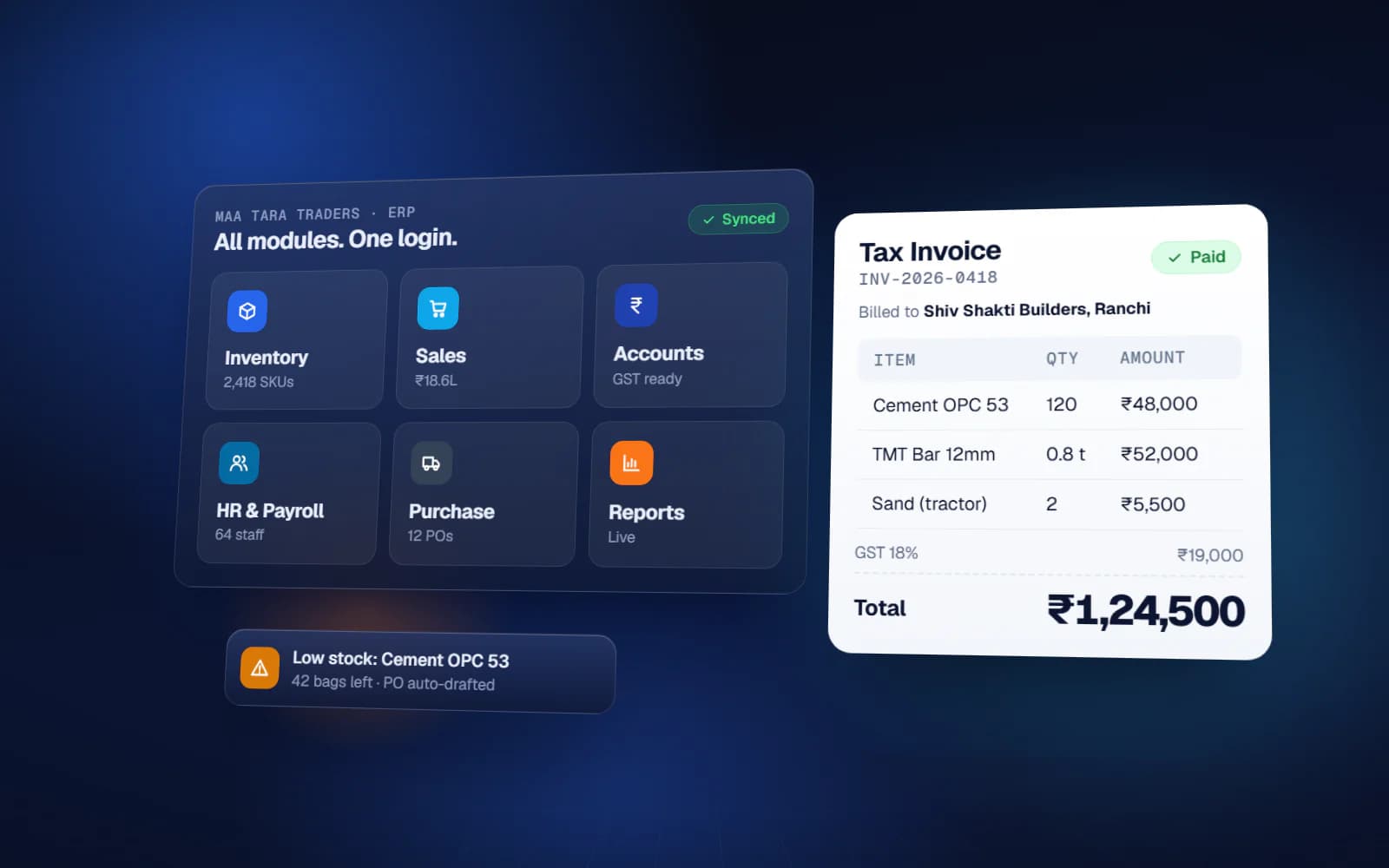
For Indian companies, Books is the app that has to be right on day one, because your CA will judge the whole system by it. Zoho Books supports GST returns and can generate e-invoices through the government's Invoice Registration Portal and e-way bills directly from invoices, delivery challans and credit notes, without logging into those portals separately.
- Enter your GSTIN, place of supply rules and correct tax rates for each item or service
- Mark every customer's GST treatment, since that decides whether an invoice needs an e-invoice
- Connect the e-invoicing and e-way bill settings only after testing on a few invoices
- Agree the cut-over date and opening balances with your CA before anyone raises a live invoice
- Decide how Books will sit with Tally if your CA still wants Tally data
Data migration: where most time goes
Moving data is usually the slowest part of a Zoho One implementation, because the data is messier than anyone expects. Plan it as its own workstream.
- List every source: Excel sheets, the old CRM, Tally, WhatsApp contact lists, email
- Clean before you import: remove duplicates, fix phone number formats, standardise item names and units
- Import masters first (customers, vendors, items), then open transactions (open deals, unpaid invoices, current stock)
- Do not import years of closed history unless you will actually use it; keep it archived
- Run a trial import, check a sample of records with the people who use them, then do the final import on cut-over day
Common Zoho One implementation mistakes
- Switching on many apps in the first month, so nobody learns any of them properly
- Letting each department create its own customer list instead of one shared master
- Copying the old paper process into Zoho without asking whether each step is still needed
- Skipping training for the people who enter data daily, then blaming the software
- No single internal owner, so small problems pile up and people drift back to Excel
- Forcing a process the software does not fit instead of building a small custom module or integration
How long does it take?
It depends on the number of apps, users, branches and how clean your data is. A CRM-only rollout for a small sales team is a short project; Books, CRM and Inventory together, with migration and training, is a larger one. Be wary of any promise that ignores your data and your team's availability, because those decide the timeline more than the software does.
Doing it yourself vs getting help
Zoho's apps are well documented, and a small business with a patient, technical owner can set up CRM or Books alone. Help pays off when several apps must talk to each other, when data from Excel and an old CRM needs cleaning, or when one of your processes does not fit the standard apps.
Yuktantra handles Zoho CRM, Zoho One and custom ERP implementation from Ranchi, working pan-India: we set up the apps around how your business actually runs, move your data across, connect your other tools, build custom modules for the gaps, and train your staff. We map your processes first and recommend the smaller option if it fits.
FAQ
Is Zoho Books included in Zoho One?
Yes, Zoho Books is one of the apps in the Zoho One bundle, along with CRM, Inventory, People, Desk, Analytics and many others. Check the current app list on Zoho's site for your edition.
What is the difference between Zoho One and Zoho CRM?
Zoho CRM is a single app for leads and sales. Zoho One is a bundle licence covering many apps, including CRM, accounting, inventory, HR and support, under one login.
Which Zoho One pricing model should an SME choose?
All Employee pricing is cheaper per seat but you must license everyone on payroll. Flexible User pricing lets you license only actual users, which usually suits businesses with many staff who never log in.
Which Zoho One app should we implement first?
Usually the foundation (users, roles, master data) and then Zoho Books, because accounts and GST must be right before other apps post into them. CRM and Inventory follow.
Can we move our data from Excel into Zoho One?
Yes. Clean the data first, import masters such as customers and items, then open transactions, and run a trial import before the final cut-over.