Distribution ERP: stock, credit and sales in one system
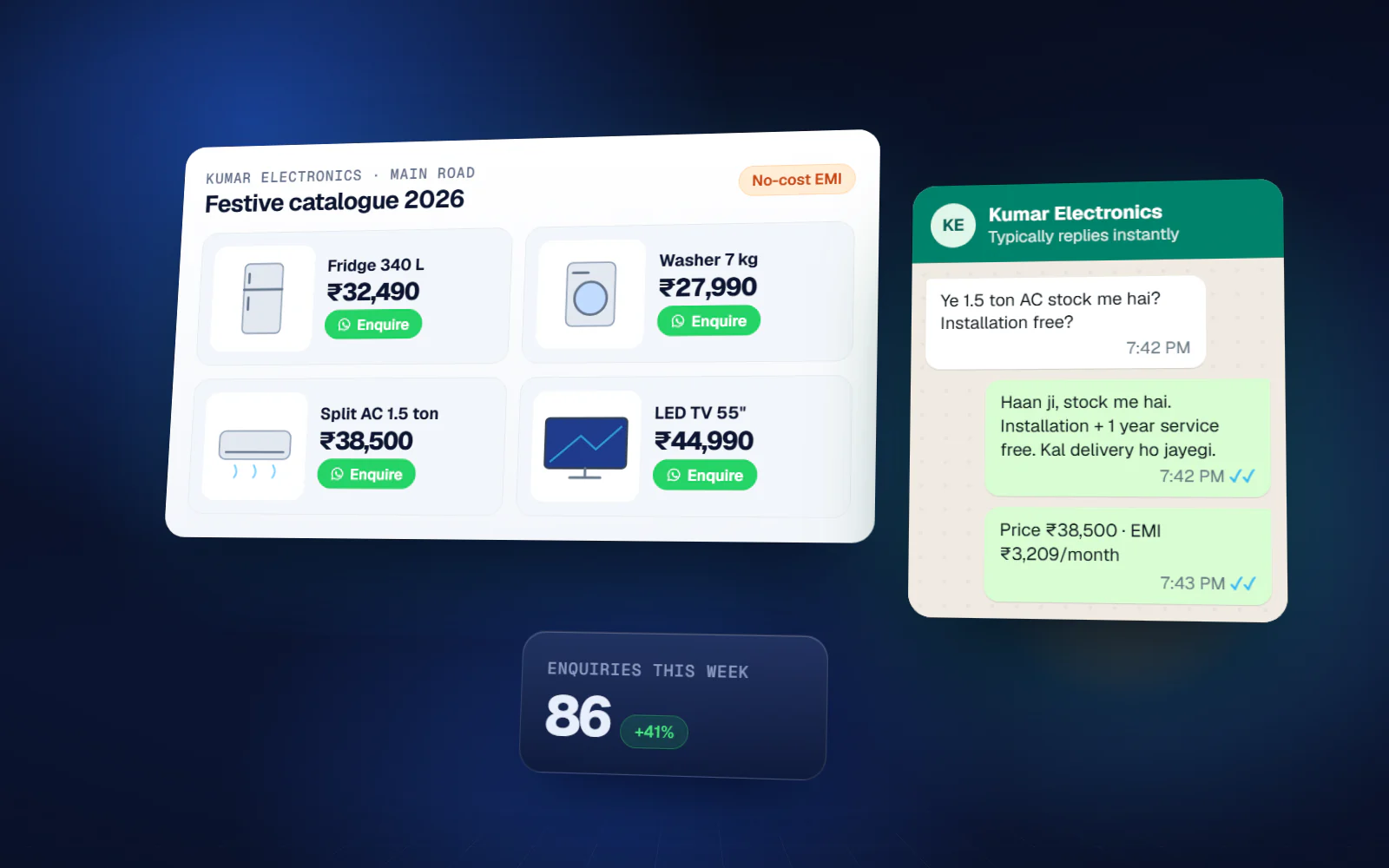
Multi-location inventory, counter billing, distributor ordering and credit control — with a live view of what is actually selling and who owes you money.
If this sounds like your business
- Physical stock and the register never match, and nobody can say where the gap came from
- Outstanding credit is tracked in a diary, and recovery depends on who remembers
- Fast-moving items go out of stock while slow stock sits for months
- Scheme and discount calculations are done by hand and argued about later
- Sales performance by product, area or salesman is a guess
Distribution & Retail ERP — what you get
Multi-location inventory
Godown and shop-wise stock, transfers, and batch or expiry tracking.
POS & billing
Fast counter billing with barcode, multiple payment modes and returns.
Orders & dispatch
Salesman and retailer orders, picking, dispatch and delivery confirmation.
Credit control
Party-wise limits, ageing, and automatic reminders before due dates.
Schemes & pricing
Slab pricing, party-wise rates, and scheme calculation on the bill.
Purchase
Supplier orders, receipts, rate history and payables.
Salesman app
Order booking, collection and beat plans from a mobile phone.
Sales analytics
Product, area and salesman performance with margin visibility.
What changes
You know the scope and the cost before we write code
Most failed software projects fail in the first three weeks, not the last three. This is where we spend the effort.
- 01
Discovery
1–2 weeksWe sit with the people who do the work — not only management. Most of the real requirements are in what they have quietly worked around for years.
- 02
Blueprint & estimate
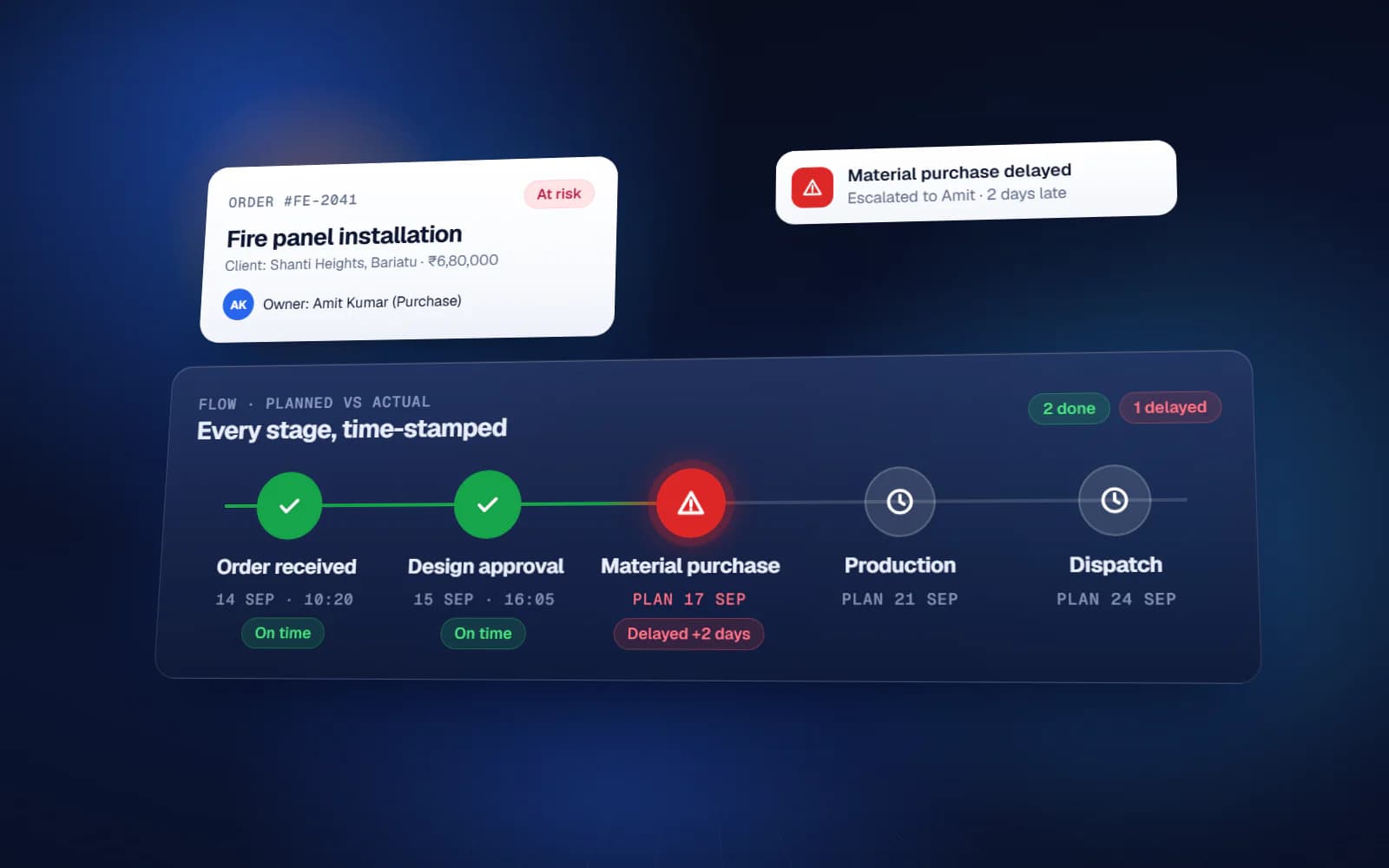
1–2 weeksScope, module list, integration points, timeline and fixed cost. You can take this document to another vendor — that is the point.
- 03
Design
2–3 weeksClickable screens before development. Changing a screen at this stage costs an hour; changing it after build costs a week.
- 04
Development
4–16 weeksTwo-week sprints with a working demo at the end of each one. You see progress continuously instead of waiting for a reveal.
- 05
Testing & UAT
2–3 weeksYour team uses it on real data before go-live. Every issue is logged and closed in writing.
Distribution & Retail ERP — available in
Frequently asked questions
Can it run on the counter machines we already have?
Yes. The billing screen runs in a browser, and works with standard barcode scanners and thermal printers. No specialised hardware is required.
We have several shops. Can we see combined stock?
Yes. Each location keeps its own stock while management sees a consolidated position, and transfers between locations are recorded rather than adjusted informally.
Does it handle GST billing?
Yes — GST invoices, e-way bill data and returns-ready exports. Filing continues through your accountant or existing accounting software.
Can salesmen book orders offline?
Yes. The salesman app works without a connection and syncs when signal returns, which matters in rural beats.
Start with the problem, not the software
A 45-minute call. We map where the manual work actually is and tell you whether it is worth building anything at all. No cost, no obligation.
If custom software is the wrong answer for you, we will say so on that call.