Next.js development for sites that rank and load fast
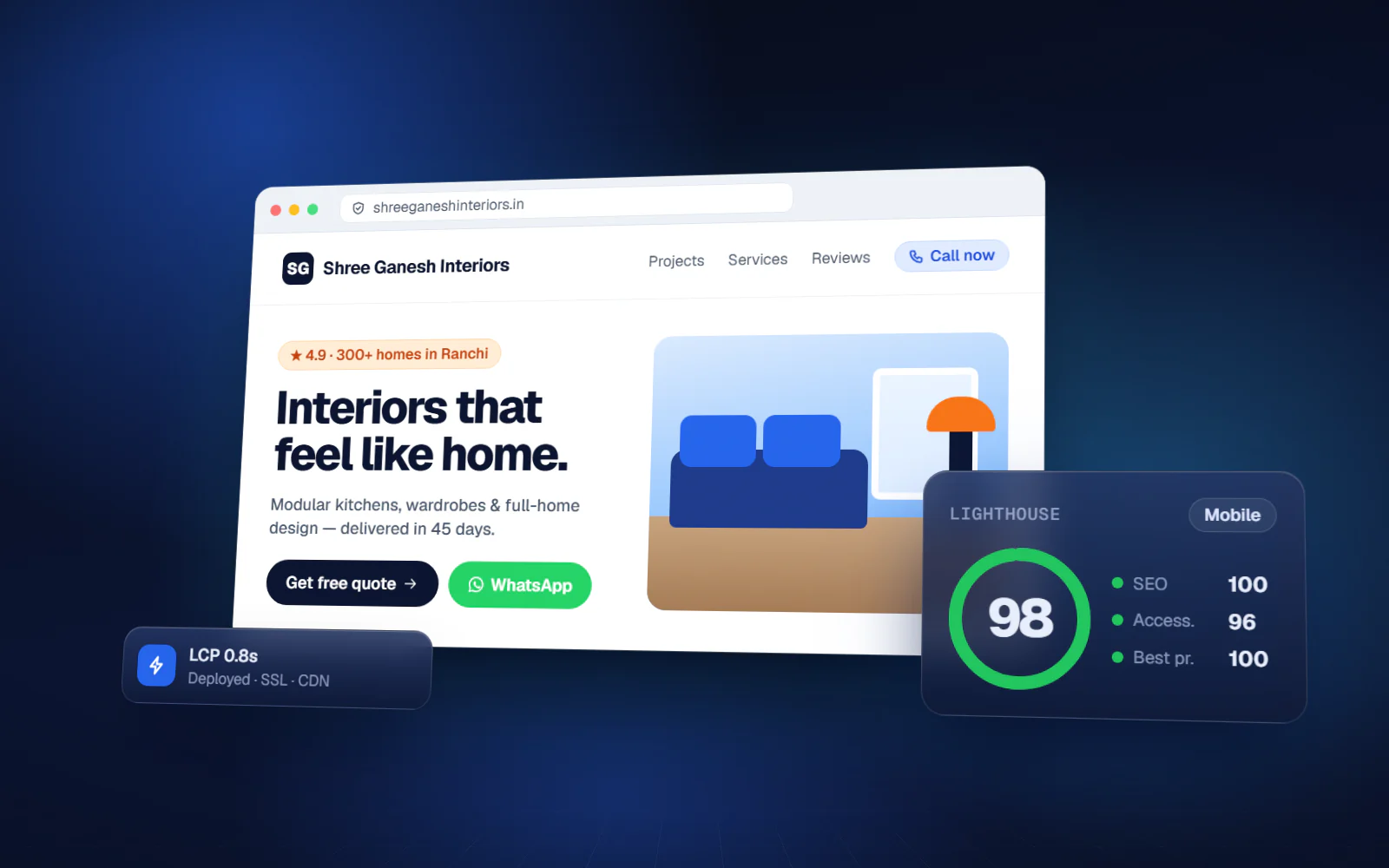
Server-rendered pages, strong Core Web Vitals and clean SEO foundations — the combination that decides whether a site is found and whether it converts once it is.
Why companies move to Next.js
- The current site loads slowly and Google ranks it accordingly
- It is a single-page app that search engines struggle to index
- Content changes need a developer every time
- Core Web Vitals fail, particularly on mobile
- Traffic spikes take the site down
Next.js Development — what you get
Server rendering
SSR and static generation chosen per route for speed and SEO.
Technical SEO
Metadata, structured data, sitemaps and canonicals built in.
Core Web Vitals
LCP, CLS and INP measured and tuned before launch.
Image optimisation
Modern formats, correct sizing and lazy loading by default.
CMS integration
Content editable by your team without a developer.
Internationalisation
Multi-language routing with correct hreflang.
Edge deployment
Global CDN delivery with instant rollback.
Analytics
Conversion tracking and real-user performance monitoring.
What changes
You know the scope and the cost before we write code
Most failed software projects fail in the first three weeks, not the last three. This is where we spend the effort.
- 01
Discovery
1–2 weeksWe sit with the people who do the work — not only management. Most of the real requirements are in what they have quietly worked around for years.
- 02
Blueprint & estimate
1–2 weeksScope, module list, integration points, timeline and fixed cost. You can take this document to another vendor — that is the point.
- 03
Design
2–3 weeksClickable screens before development. Changing a screen at this stage costs an hour; changing it after build costs a week.
- 04
Development
4–16 weeksTwo-week sprints with a working demo at the end of each one. You see progress continuously instead of waiting for a reveal.
- 05
Testing & UAT
2–3 weeksYour team uses it on real data before go-live. Every issue is logged and closed in writing.
Next.js Development — available in
Frequently asked questions
Can you migrate our WordPress site?
Yes. Content and URLs are preserved with redirects mapped so rankings carry over. A headless CMS can stay behind it, so your team keeps the editing workflow they know.
Will our rankings survive a rebuild?
They generally improve, provided URLs, redirects and content are handled properly. We map every existing URL before launch and monitor Search Console afterwards.
App Router or Pages Router?
App Router for new builds. For an existing Pages Router application, migration is worth doing only when there is a concrete reason — we will tell you if there is not.
Where do you deploy?
Vercel most often, and AWS or your own infrastructure when data residency or existing contracts require it.
Start with the problem, not the software
A 45-minute call. We map where the manual work actually is and tell you whether it is worth building anything at all. No cost, no obligation.
If custom software is the wrong answer for you, we will say so on that call.